For IT providers
Give your clients an AI worker you can install, support and stand behind.
You install the box and give first-line support; Staffbox builds the brain and scores it on 30 past quotes before anything is installed.
You already install, patch and support the machines on your clients' networks. An AI worker is one more machine, but it is only worth putting your name on if it knows the client's prices and has been proven on the client's own work. Staffbox splits the job along that line: the shelf, network and first line stay with you, and we bring the brain, the scorecard and the quote tool. It is sold and supported through managed IT providers, with first partner conversations under way; ask below for the draft terms.
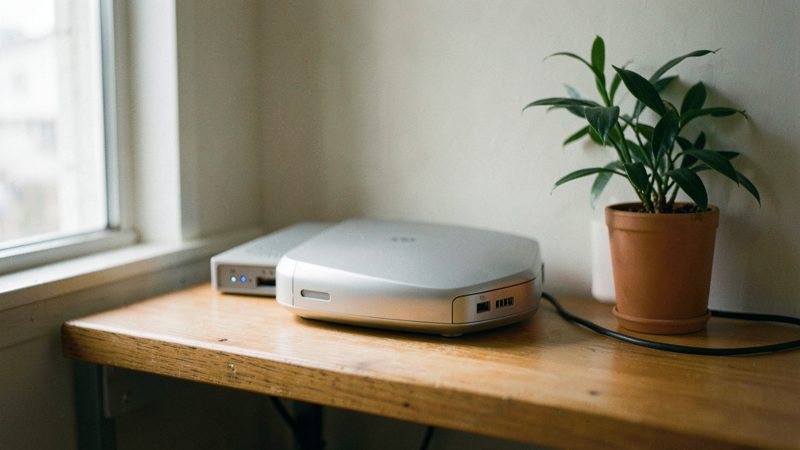
Clients pay monthly per box, and your part of the work is what your team already does.
Something your clients asked for
Owners want AI on their price lists and procedures but won't paste pricing into a public chatbot. This runs on a box in their office.
You already do the hard part
Shelf, network port, updates, monitoring. That is your job today; Staffbox brings the brain, the scorecard and the quote tool.
Recurring, not one-off
A monthly subscription per box with a monthly re-test. Your client pays $595 a month at founding sites (first 100) for as long as the box is live (draft pricing), with a free 30-day pilot and no onboarding fee, or $695 a month plus $1,800 onboarding from unit 101. Partner share: ask partners@staffbox.ai.
You keep the box and first line; Staffbox owns the brain, the score and second line.
The split follows what each side already knows. Your team knows the client's network, the shelf and who to call when a machine misbehaves. We know how to turn a price list and 30 past requests into a test the box has to pass, and we will not let an update reach the box until that test still passes.
| Task | Your team | Staffbox |
|---|---|---|
| Pick the first client and the first job | Yes | Helps |
| Collect 30 past requests and the price list | With the client | Formats them into a test |
| Score it before anything is installed | Yes, free, on our own Mac mini; the client grades 10 answers blind; files deleted within 14 days of sending your results (per our draft data policy) | |
| Install the Mac on the client network | Yes (9-step installer, about an hour including macOS prep and hand-over; the install guide's estimate; not timed on a customer site) | On the call |
| FileVault disk encryption | The installer checks it and refuses to finish without it | On the call |
| Firewall and keys-only SSH | Set from the install checklist | On the call |
| Build the brain from the client's files | Yes | |
| Monthly updates | Apply them | Re-runs the tests before and after (manual today; scripted update and rollback in review) |
| Monthly re-test with the client | Joins it | Re-runs the test on the client's own quotes |
| First-line support | Yes | Second line |
Your techs can read the open-source installer and check its safety settings first.
- Models run on the box; the model server listens on 127.0.0.1 only. Cloud is off unless the client adds its own key in writing.
- The worker drafts; a person sends. There is no sending code in Staffbox. The default install turns off nine tool groups plus image generation: terminal, code execution, browser, computer use, web, connections, delegation, cron jobs and text-to-speech.
- The installer stops if FileVault is off and records its status in the install proof.
- Open source (MIT): read the installer and the code before you put it on a client network.
Details: Trust Center · github.com/Staffbox-ai/staffbox · step by step for your techs: install and support checklist · for the client's vendor review: security questionnaire answers
Your first client costs nothing to test, and no box ships until it passes.
Send us 30 past quote requests and the price list from your own business or one client. We run them on our Mac mini in Atlanta and show you the score, free; you grade 10 answers blind, and we delete the files within 14 days of sending your results (per our draft data policy). If it passes, we pick a founding site together. No customer has run Staffbox yet, so founding sites get the best price and shape the product.
Questions
What do partners earn?
Partner terms are on request. Ask partners@staffbox.ai for the current draft.
How long does an install take?
About an hour (the install guide's estimate; not timed on a customer site), after the client's test has passed: roughly 15 minutes of macOS prep, about 40 minutes for the 9-step install command, and 5 minutes of hand-over. The installer checks FileVault and refuses to finish without it; the firewall and SSH settings are set from the install checklist.
Who supports the client?
Your team handles first line, as you do today. Staffbox handles the brain, the tests and second line. The package, scoped and priced for your clients, is on the MSP AI offer page.
Do you have customers yet?
Not yet. The first sites are founding sites: the founding rate for as long as the box is live, and second-line support from Staffbox.
Or call us: 404 493 6248